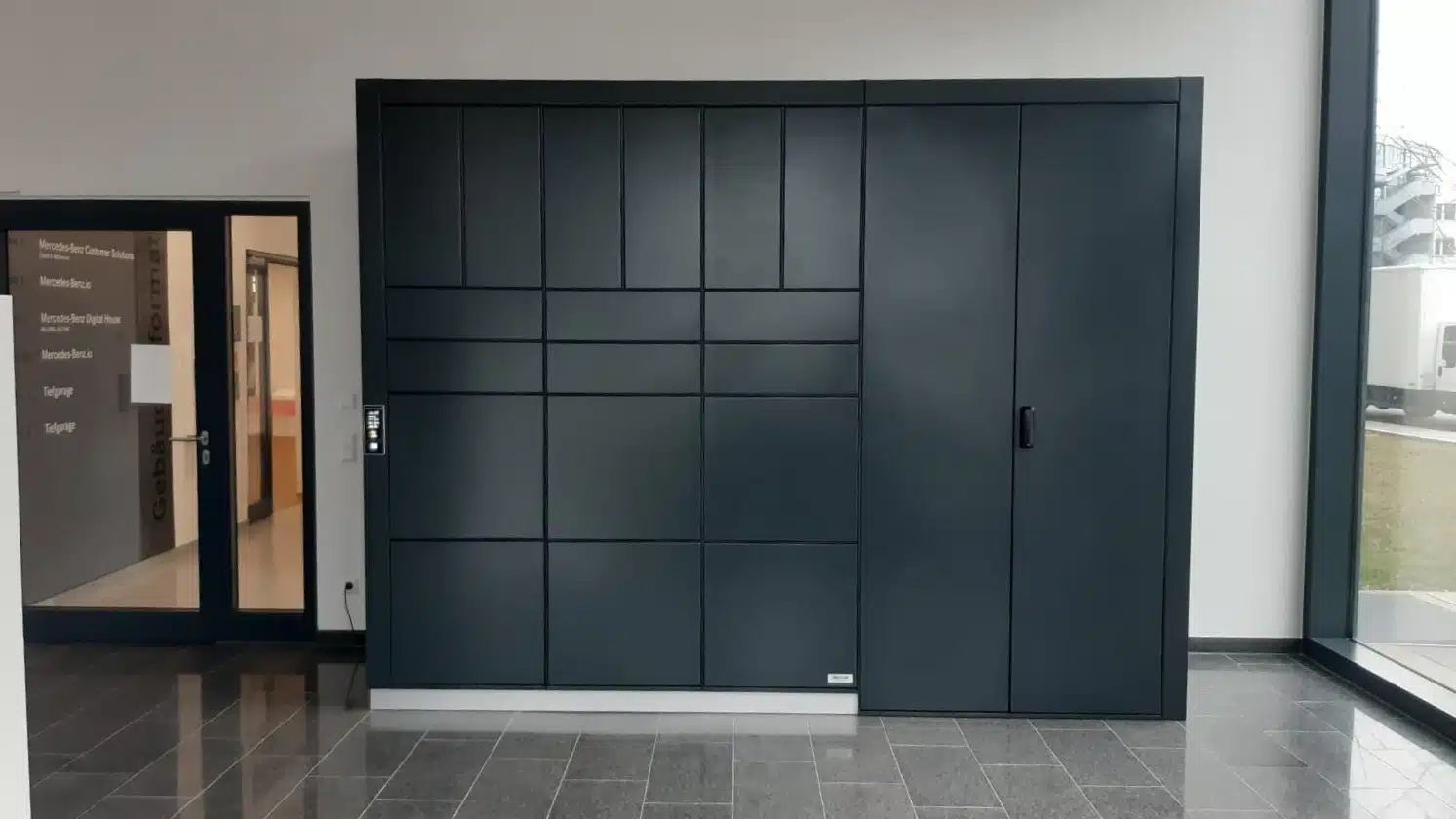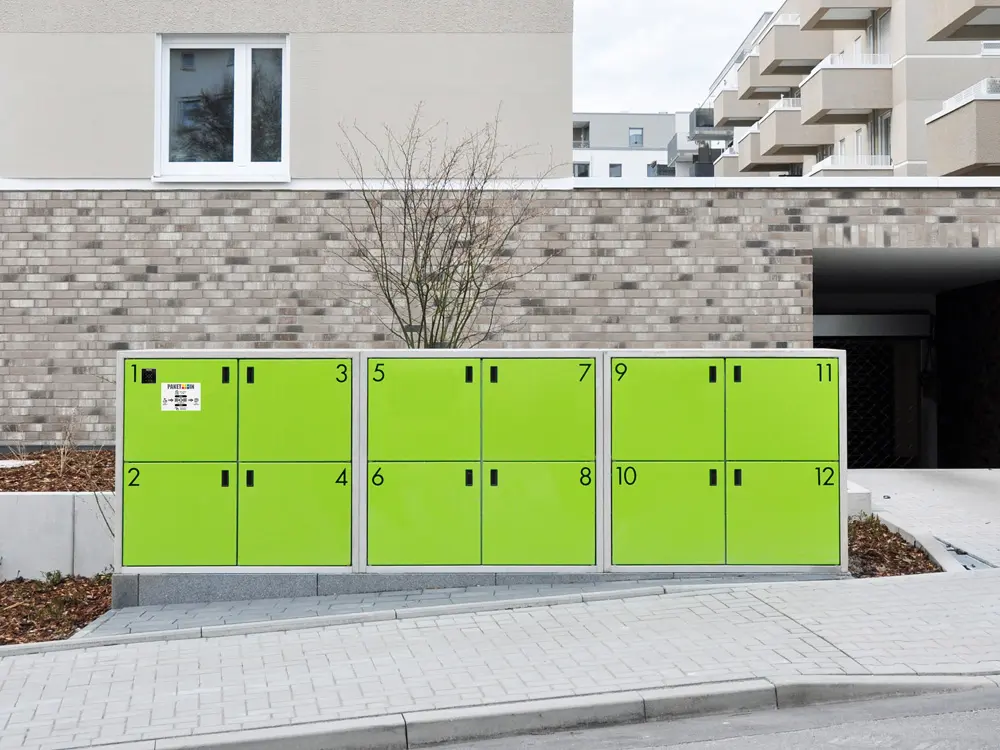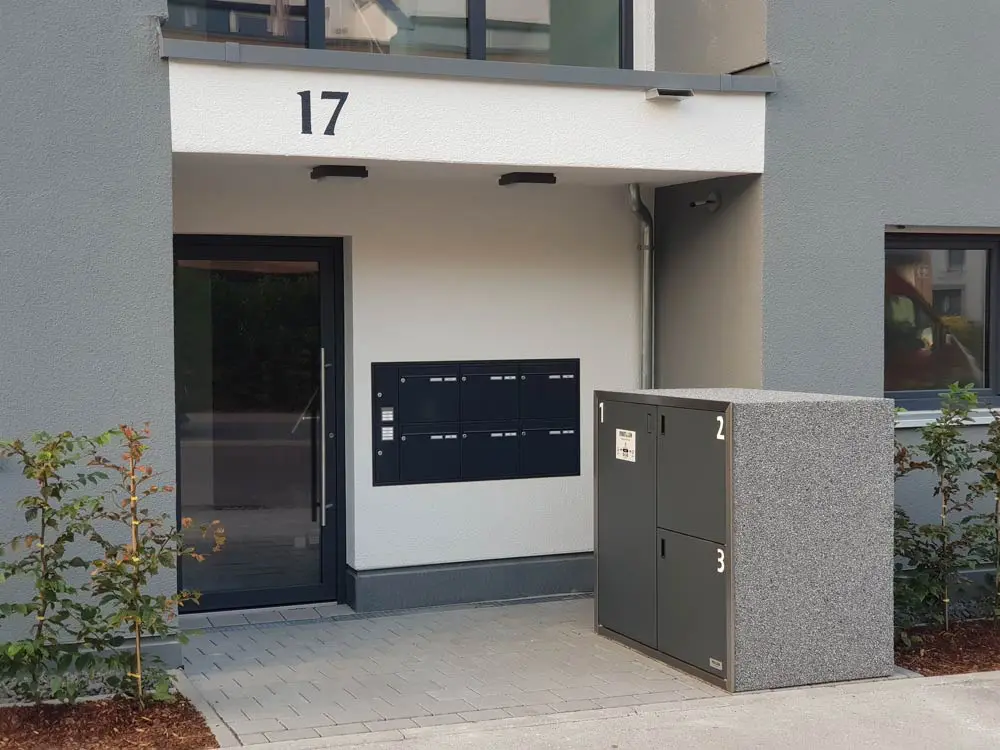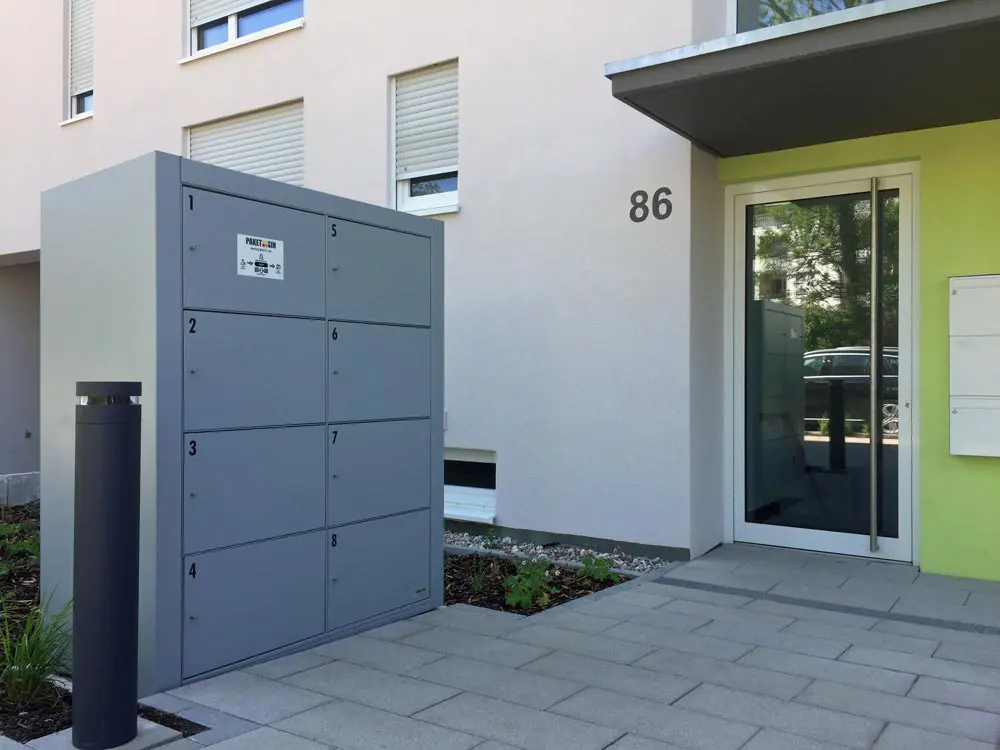


Delivery at any time
Receive packages around the clock

easy return
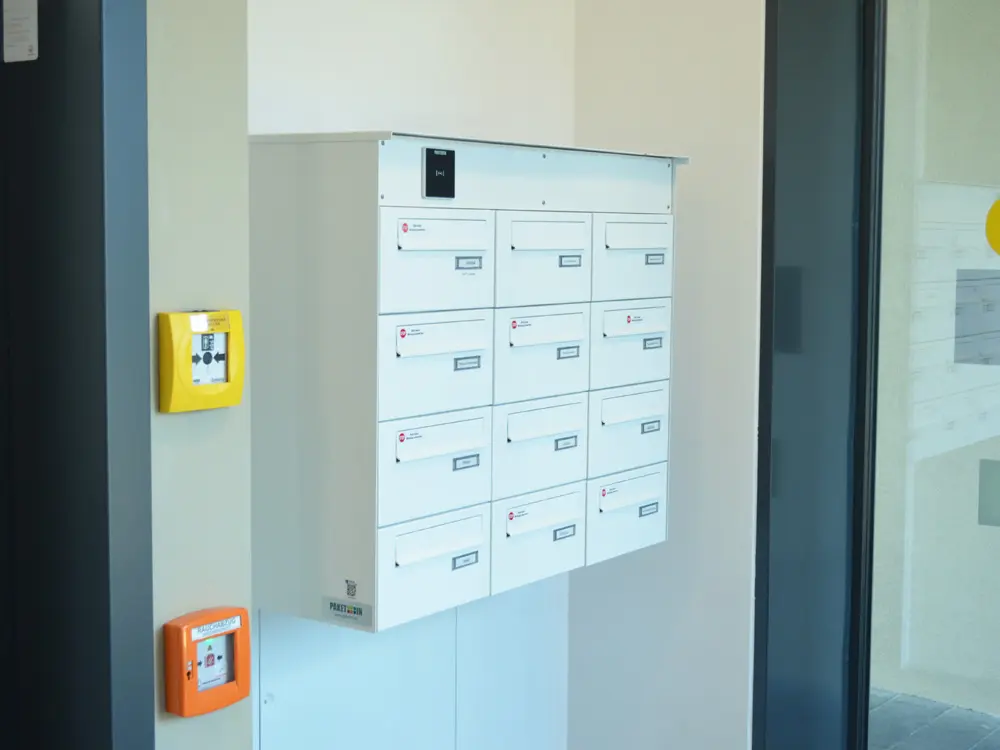
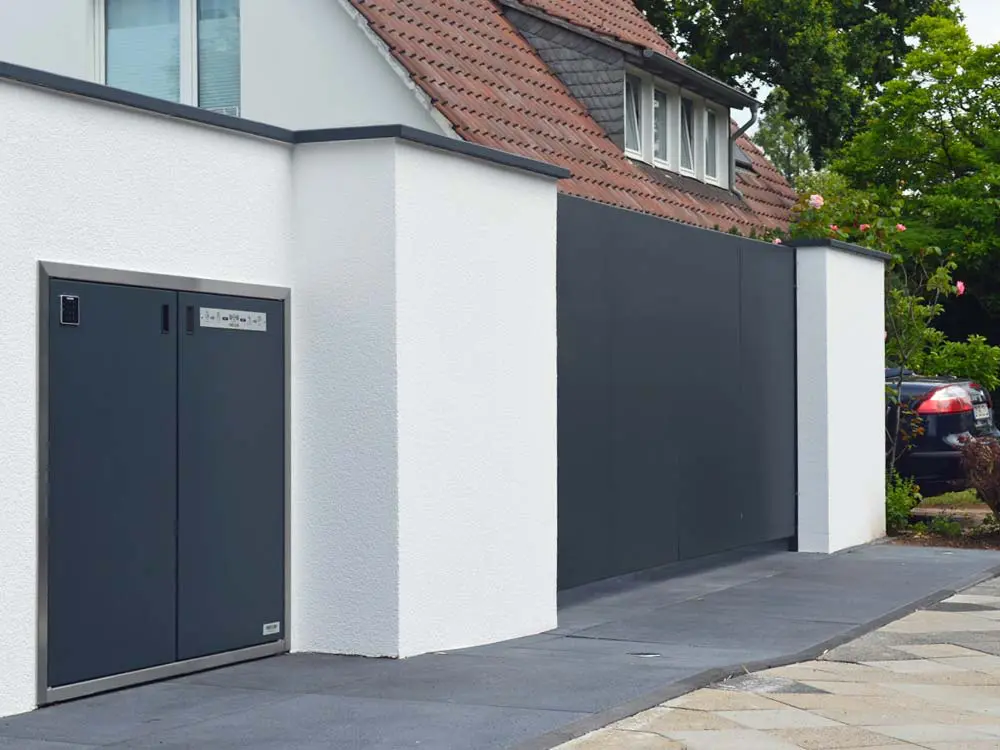
Packages for return to the supplier (Amazon, Digitec, etc.) can be deposited in the parcel box

Security
Protection against theft
control
Verwaltung & Benachrichtigung online

Social peace
Prevents neighborly disputes
24/7 Support
Available around the clock

Go to our platform
- via web browser or your mobile phone
- www.paket-box.ch/login
- Log in with your personal details

Define the PIN
1. Define YOUR personal pickup PIN
2. Define a PIN for the parcel deliverer
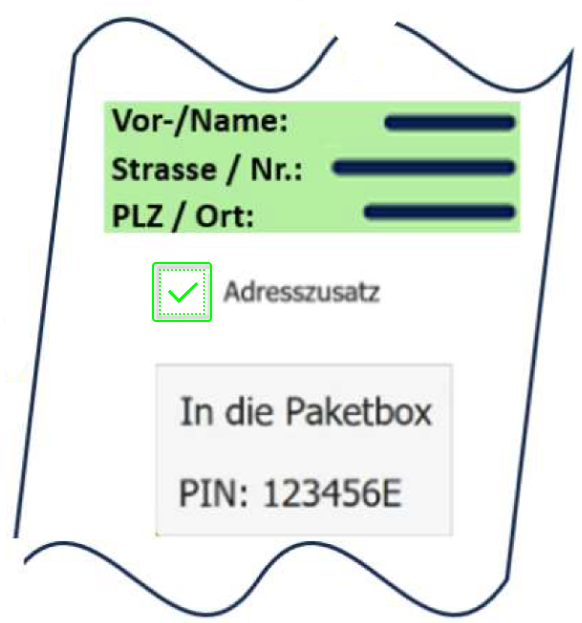
Provide information when ordering
Add an additional address to your order (e.g. to Amazon, Digitec, etc.). Write, for example, "In the parcel box" and also enter the PIN for the parcel deliverer.

Package is deposited
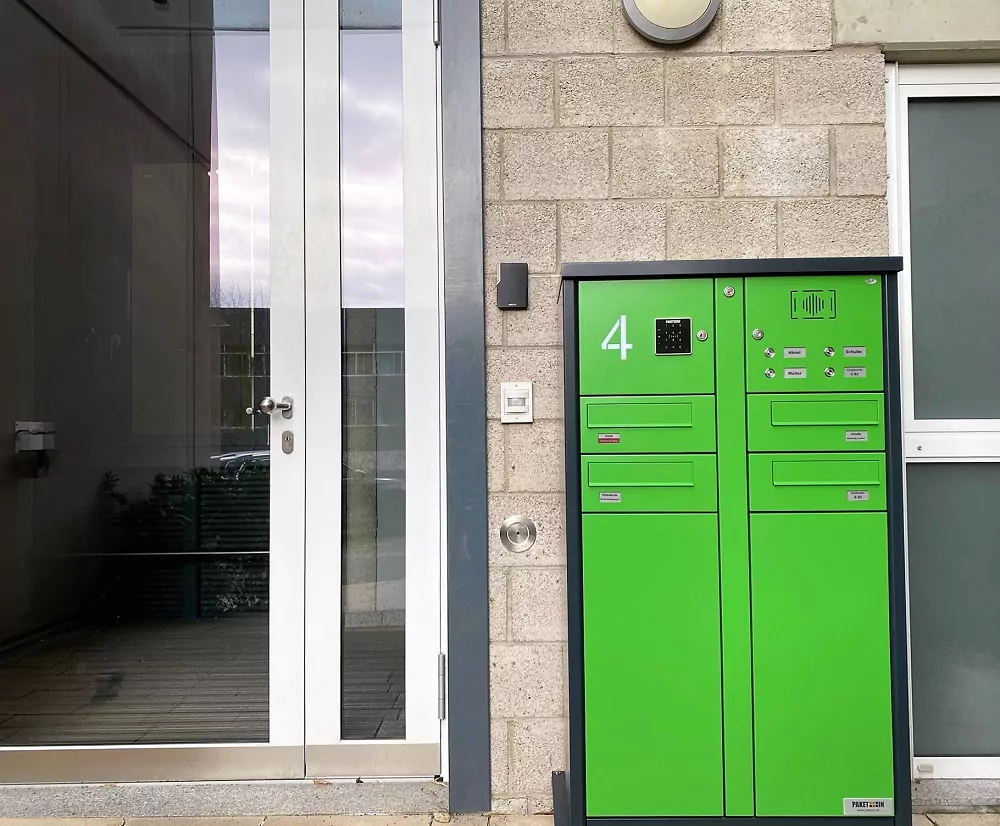
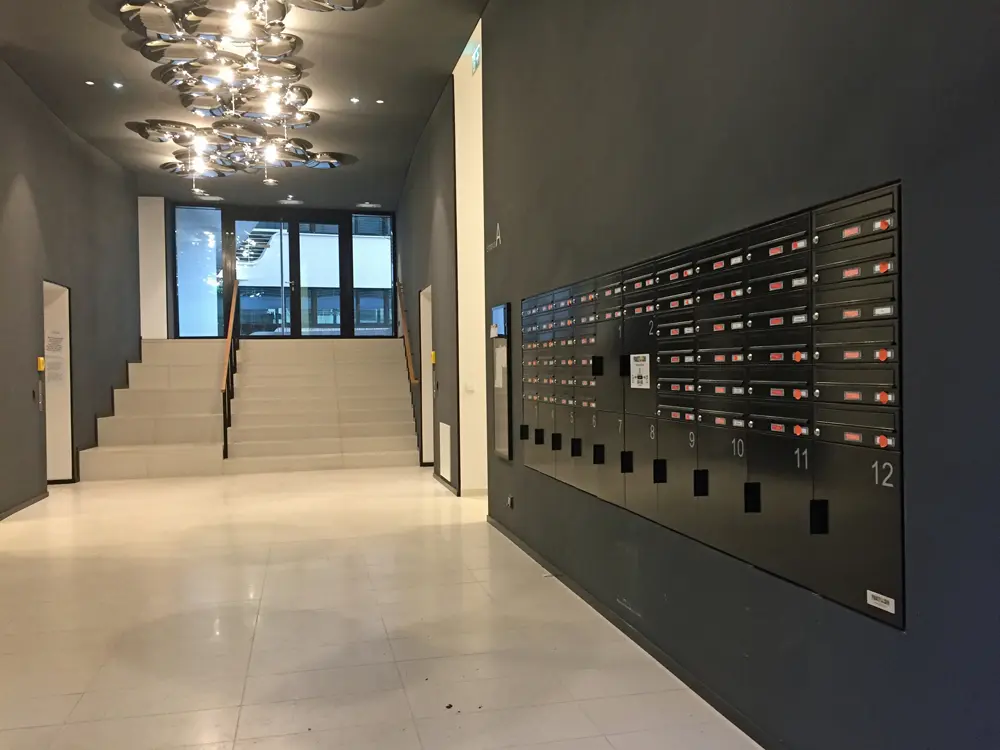
1. The parcel deliverer enters the PIN (on label)
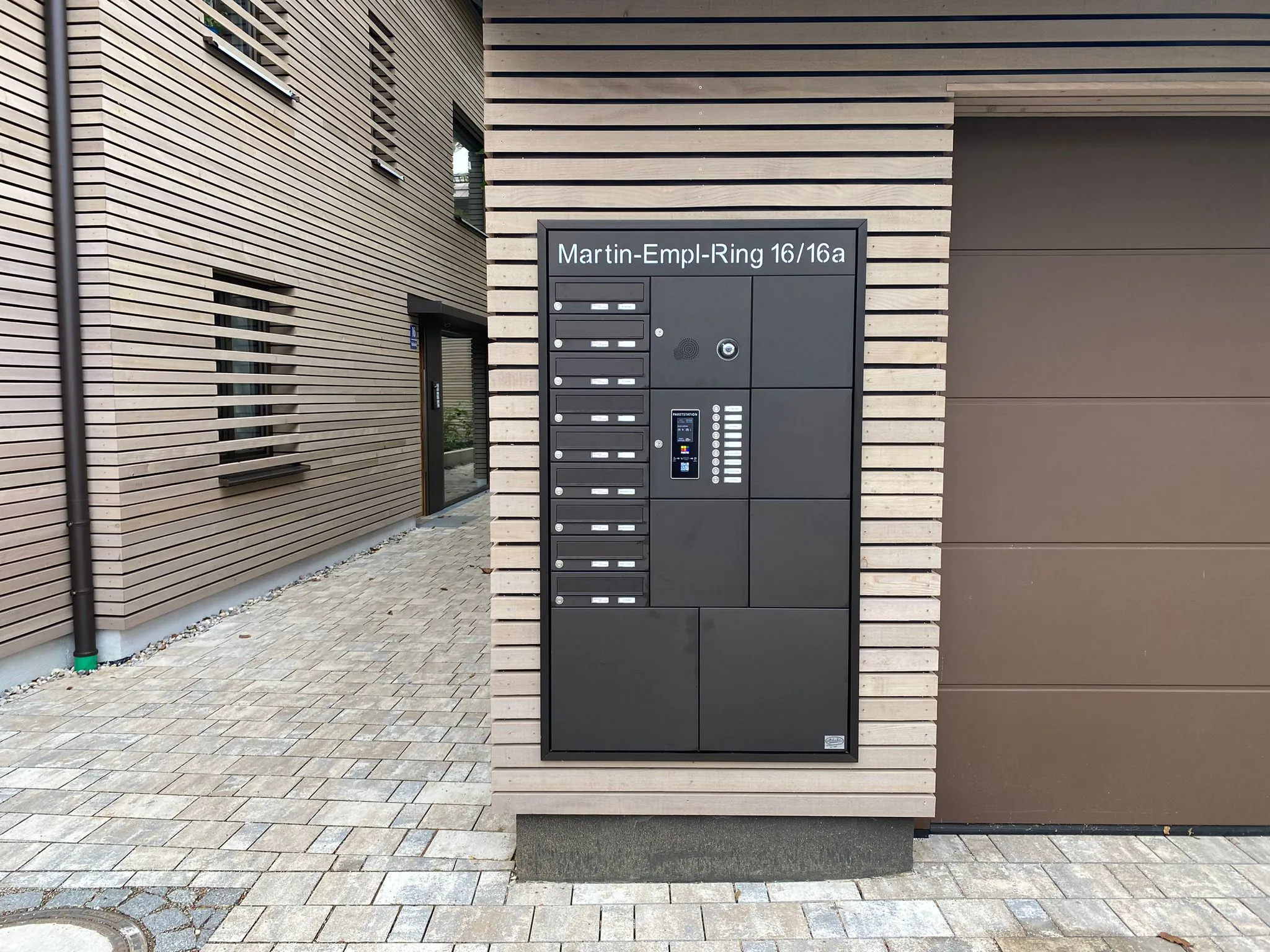
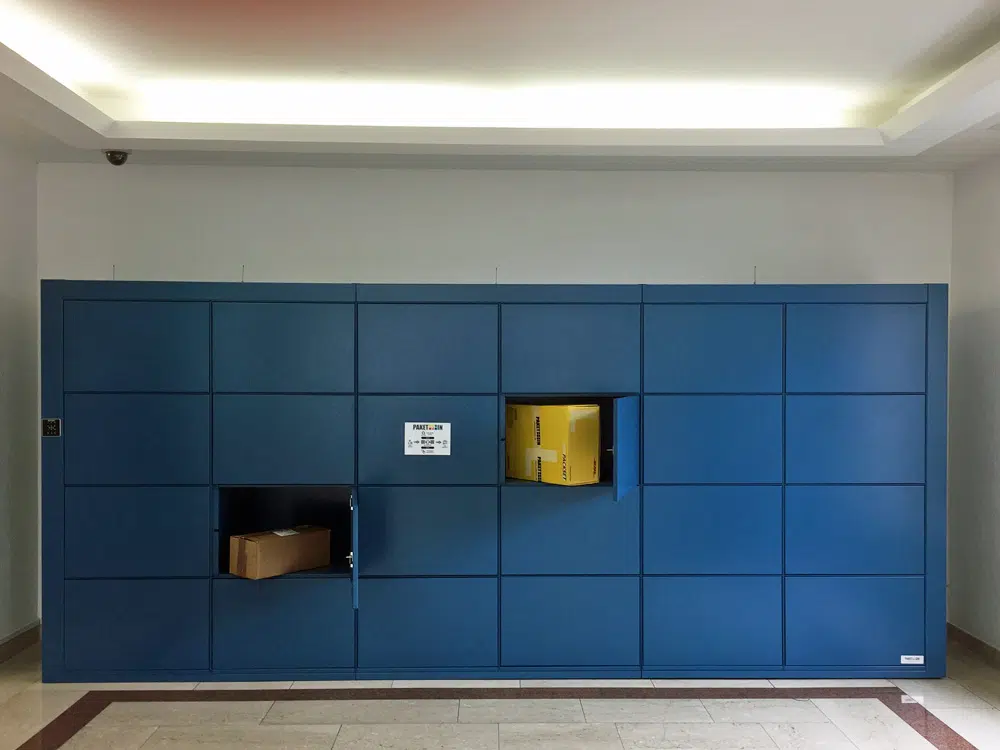
2. A free compartment opens and the parcel deliverer deposits the parcel and closes the compartment

Delivery info is being sent
You will be informed immediately that the delivery has been made.

Pick up the package
You enter your personal pickup PiIN and the compartment in which your package(s) is (are) opens.